
Guides
Flip a House beginner guides and walkthroughs: the clean-furnish-sell loop, your first house, controls, settings and the mistakes that keep new players stuck on starter gear.
Introduction
Every Flip a House run follows the same four beats: clear the rubbish, clean every surface, furnish the rooms, then sell to the highest buyer. That loop is simple to describe and surprisingly easy to get wrong, and most stalled accounts stall on order rather than effort. This section is the entry point for the whole wiki — start with the beginner walkthrough if you have never flipped a house, then work through the cleaning order and money pages once your first sale clears. Each guide is written from the current live build and flags anything the community has not been able to confirm on the official store page.
Which Flip a House Guide To Read First
| Priority | Guide Focus | Why It Matters | Read It When |
|---|---|---|---|
| Start | Beginner walkthrough | The full clean-furnish-sell loop from an empty inventory, plus the mistakes that leave new players stuck on the starter house. | Your very first session |
| Next | Cleaning order | Why trash goes first, when to stop scrubbing and how the per-surface counters decide whether a room reads as finished. | Once you own the level 3 kit |
| Money | Buyer offers | What actually moves an offer, when to accept the first bid and how quickly to recycle cash back into gear. | Before your third flip |
| Later | Gear and property tiers | The two six-tier tool lines, the cleaner level behind each one and which property to buy at every stage. | When cleaning is the bottleneck |
Guide Roadmap
Beginner Walkthrough
Your first full flip, start to sale
Cleaning Order Guide
Surfaces, counters and stopping points
Money Route Guide
Offers, luck and reinvestment timing
Progression & Tier Guide
Level gates and property order
Core Mechanics
Guides follow the order a real player meets each system, not the order the game lists them in. A brand-new account has no vacuum upgrades, no scrubber and no cash, so the opening material covers only what the starter kit can do: hauling trash, vacuuming floors in long passes and accepting that walls stay dirty for a while. Once you clear the level 3 gate the cleaning pages become useful, because the Pro Vacuum and Smile Scrubber change which surfaces are worth your time. Money pages come after that, since buyer offers only become a meaningful decision once you have enough cash to choose between reinvesting and accepting a bid. Gear and property material sits last because both depend on cleaner levels you cannot rush.
Advantages
A structured reading order saves a lot of wasted cash. New players routinely buy the most expensive item in the furniture shop or chase a property they cannot clean in reasonable time, and both mistakes come from meeting systems out of sequence. Following the loop order also matches how the game rewards you: cleaning raises quality, quality raises offers, offers pay for gear, and gear shortens the next clean. The guides here also separate confirmed data from community reports, so you always know whether a number comes from the official store page or from player testing. That distinction matters most for offer maths and co-op payouts, where the developer has published nothing official.
Challenges
The honest limitation is that Flip a House is young and patched often. Tool costs, unlock levels and buyer payouts can shift between visits, and anything written more than a patch ago deserves a second look in game before you spend on it. Some systems also have no published numbers at all: there is no official XP table, no offer formula and no confirmed split for co-op cash, so the advice on those pages is necessarily directional rather than exact. We flag low-confidence claims openly instead of inventing figures. If you find a guide that no longer matches the live build, treat the in-game value as correct and the page as the thing that needs updating.
Frequently Asked Questions
I have never played Flip a House. Where do I start?+
How long does a single house take to flip?+
Do these guides cover paid content?+
Quick Tips
Do one whole flip before you read anything else. Finish the cleaning pass, furnish a single room, sell the house and watch what the offer actually pays. That one full loop teaches the economy better than any explanation, because you feel where the minutes and the cash go. Once you know which part of the run felt slow, the cleaning and upgrade pages become specific answers to a question you already have rather than abstract advice.
Keep the wiki open on the category that matches your current bottleneck, not the one furthest down the ladder. Players who are slow at cleaning should be on the cleaning pages; players whose offers are tiny should be on the money pages. Reading the mansion and endgame gear material while still running a starter house mostly generates purchases you cannot use yet, which is the most common way new accounts waste their first few thousand cash.
Re-check unlock levels after every patch rather than trusting a saved screenshot. This game is patched far more often than most Roblox simulators, and the gear tier gates and property requirements have both moved during the first months of release. If a number on a page disagrees with what your store screen shows, the store screen is correct. In-game values always win over anything written here, including our own tables.
Featured
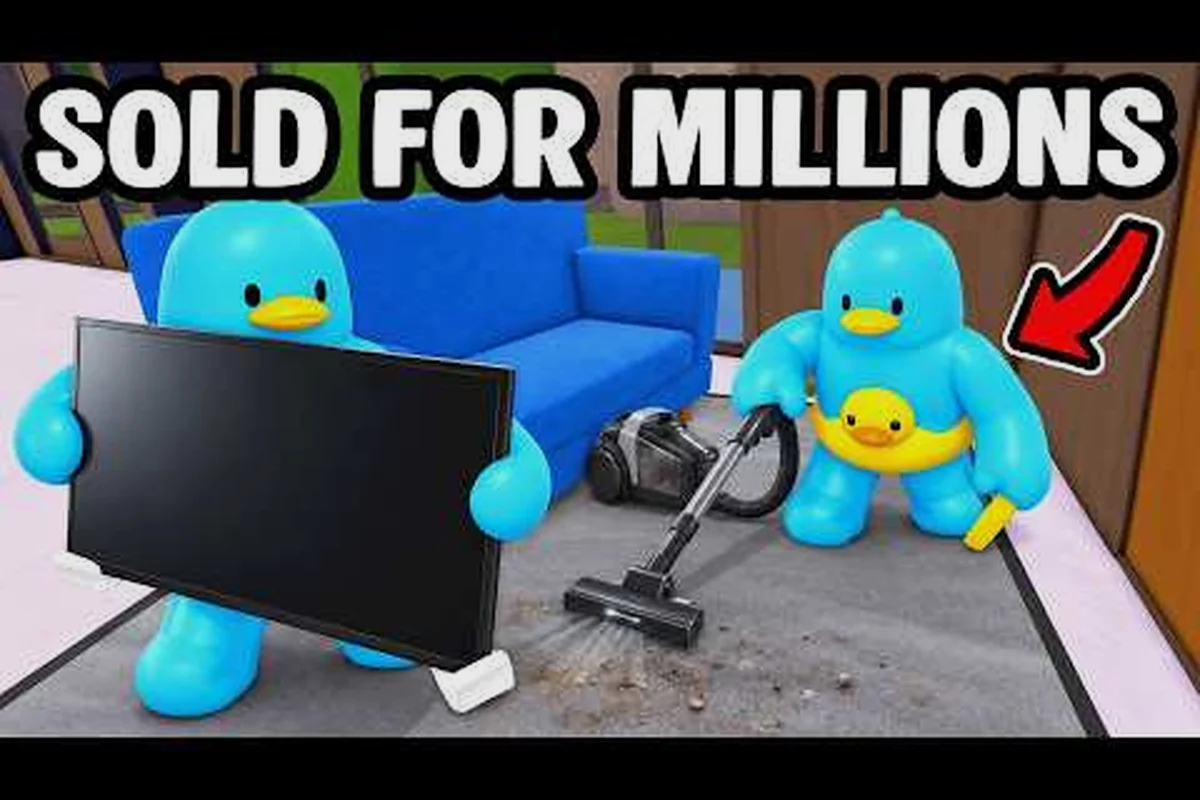
Flip a House Complete Guide: How It Works in 2026
This flip a house complete guide covers the whole loop, from clearing trash and scrubbing rooms to furnishing, selling, and unlocking stronger gear.
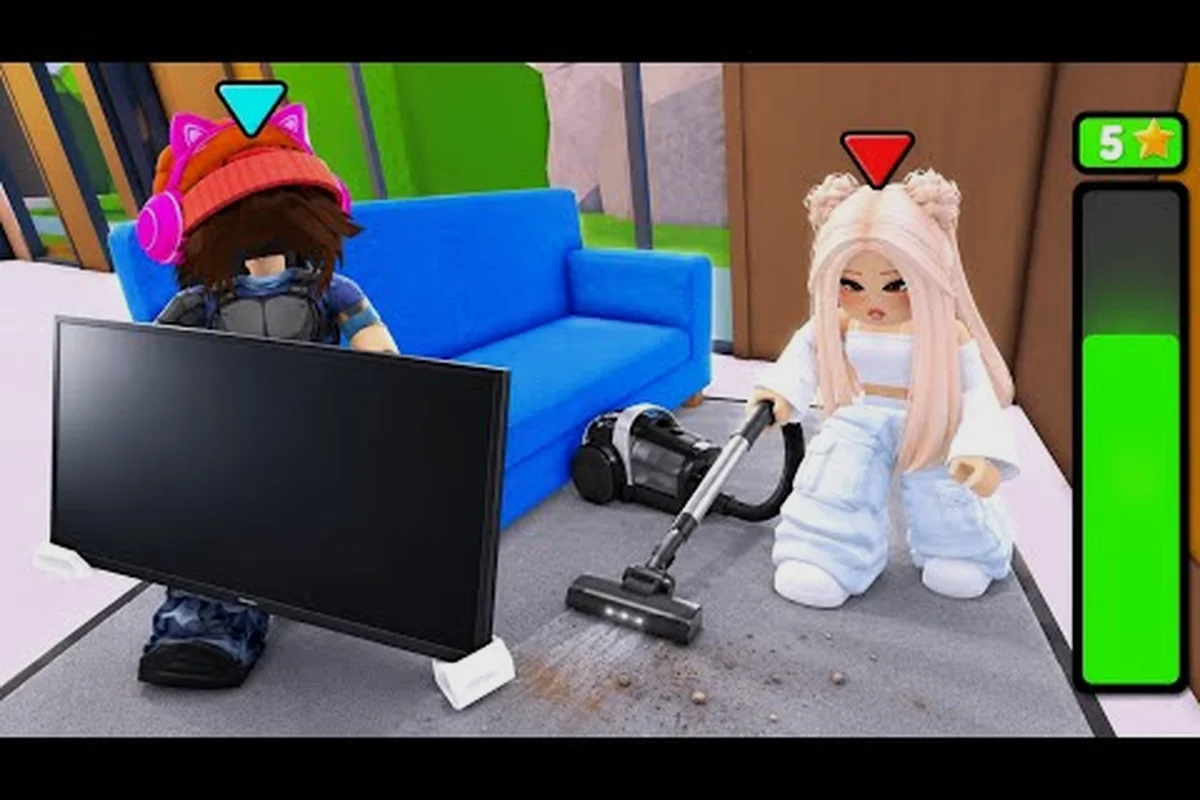
Flip a House Roblox Guide: Renovate, Sell, and Profit
Use this flip a house roblox guide to master the clean, furnish, and sell loop, then reinvest every payout into better tools for bigger homes.

Flip a House Keybinds: Every PC Control Explained
Master every flip a house keybinds shortcut so trash pickup, scrubbing, and furnishing feel instant on PC, with the full control map.
All Articles
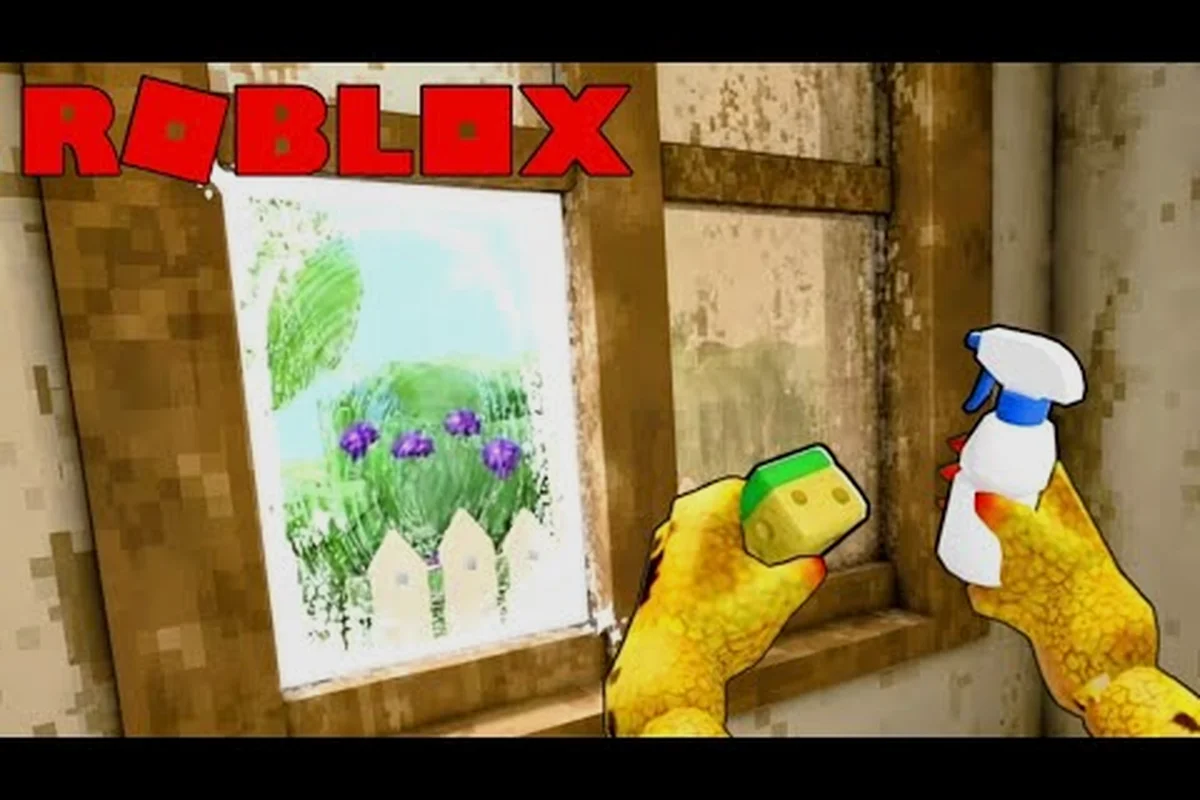
Flip a House New Player Guide: First Sale to Profit
Start with this flip a house new player guide: learn the controls, clear your first property, and reach a profitable sale without wasting cash.
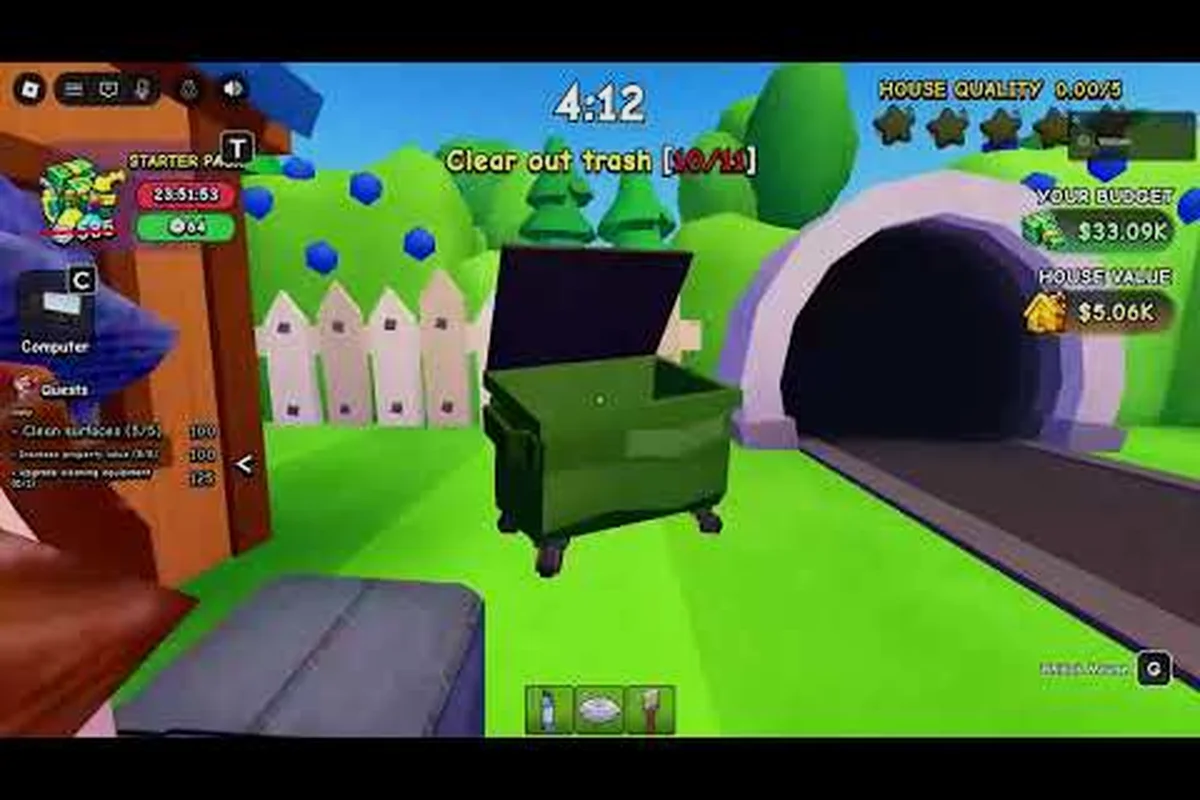
Flip a House Roblox Tips: Noob to Pro Fast
These flip a house roblox tips cover what to do first, how to improve fast, and the cleaning habits that push every payout higher.
Flip a House Walkthrough: Grossest Wreck to Sale
Follow this flip a house walkthrough from the filthiest starter wreck to a profitable sale, including which rooms to tackle first.

Flip a House Console Controls: Clean, Renovate, and Sell
This flip a house console controls reference maps every button to trash pickup, vacuuming, scrubbing, and furnishing so your first flip runs smoothly.
Flip a House How Long Does a House Take: Step by Step
See how long it takes to flip each house type in Flip a House, what slows a renovation down, and when to move on to a bigger listing.

Flip a House What Order Should I Clean: Full Tutorial
Learn what to clean, in what order, and when to switch to a scrubber so every Flip a House room passes the quality bar.
Flip a House How to Get Better: Settings and Mistakes
Learn how to get better at Flip a House by fixing common mistakes, tuning your settings, and reinvesting payouts instead of hoarding cash.